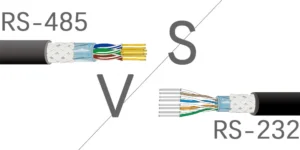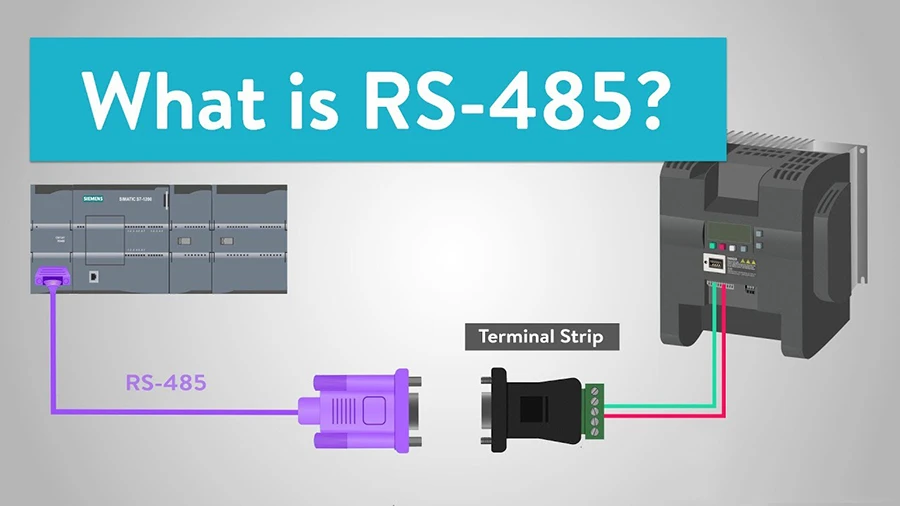
Common Failures of RS485 Communication
Advances in computers, communications, and IT have strongly shaped industrial control.
This has happened as the “Industry 4.0” strategy has grown. Among these advances, industrial fieldbus technology and Ethernet connections stand out as major forces in automation. In particular, the growth of Ethernet technology has driven major progress in this field.
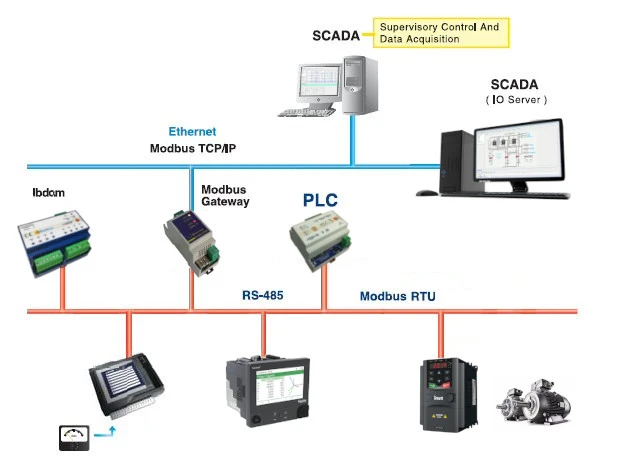
RS485/MODBUS is a widely used industrial networking protocol because it is simple and cost-effective. RS485/MODBUS is widely used in many industrial meters and devices. It is a key connectivity option, especially in low-end markets. With affordable and diverse RS485 conversion interfaces, even instrument vendors have increasingly adopted this protocol.
The RS485 system uses two main setups: a two-wire system and a four-wire system. While the latter only supports point-to-point communication and is rarely used today. The two-wire system uses a bus topology and can connect up to 32 nodes on one bus network.
A standard RS485 network usually uses a “daisy-chain” bus layout to reduce signal reflections and interference. Avoiding star-shaped or irregular branch connections is key for reliable communication.
Additionally, route communication cables away from interference sources like high-voltage wires or fluorescent lighting. If you cannot avoid power lines, make sure cables cross them at a right angle. Do not run them parallel or bundle them together. Using high-quality twisted-pair cables can also reduce interference well.
**Key Measures to Ensure Reliable RS485 Communication**
**1. Guidelines for RS485 Wiring**
Follow these practices to lower the chance of communication failures:
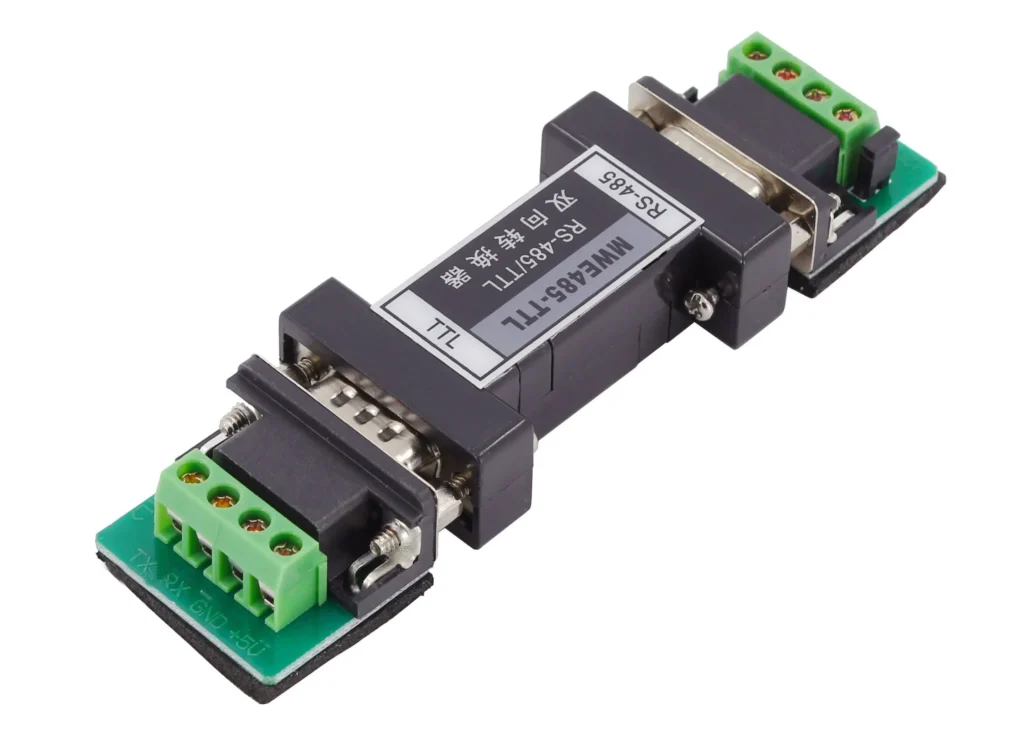
– Use RS-485 converters that the equipment maker recommends or supplies, since they are tested with access control systems.
– Stick to reliable brands. Avoid budget-friendly converters that may reduce performance.
– Follow RS485 bus building rules to avoid problems caused by cutting corners.
– For distances over 500 meters, install repeaters or RS485 hubs.
– With over 30 devices on one bus, use an RS485 hub to manage the added load.
– Plan carefully for large projects with long cables and many loads for the best results.
– Always carry the right debugging tools during installation. Recommended tools include extra converters that handle long distances and many loads. Include a laptop for testing. Use a multimeter to check circuits. Keep spare 120-ohm termination resistors.
**2. Common Communication Failures in RS485 Networks**
Some common RS485 communication issues include:
– No response or data is shared between devices.
– Ability to upload data but failure in downloading it.
– Interference can occur during communication. It is shown by indicators flashing continuously, even when idle.
– Intermittent communication issues. Some commands may work, but others may fail.
**3. Debugging Strategies for RS485 Issues**
Before you start debugging, confirm all wiring meets standard specs. Also check for any construction-related errors. Use these methods to test and fix specific problems:
1. Common Ground Method:
Use a single wire or shielded cable to connect the GND ground of all RS-485 devices. This helps avoid differences between devices that could disrupt communication.
2. Intermediate Segment Disconnection Method:
To find issues like equipment overload, long communication distance, or device interference, disconnect the line at the midpoint. Then test each segment on its own.
3. Terminal Resistance Method:
Install a 120-ohm termination resistor in parallel between the 485+ and 485- terminals.
Place it on the last RS-485 device in the chain. This helps enhance communication stability and quality.
4. Converter Switching Method:
Always carry a few spare converters. Use them to test if your current converter affects communication performance.
5. Independent Wiring Method:
Run a separate wire straight to the suspected device. This helps you check if bad wiring is causing the communication issue.
6. Laptop Debugging Method:
Ensure you have a laptop that can communicate properly. Use it as a substitute for the client computer when troubleshooting. If the connection works as expected, the issue may be with the client computer’s serial port. It may be damaged or not working properly.